Welcome to Hudiy!
Advanced software designed to help you build and expand your own custom infotainment system.


Advanced software designed to help you build and expand your own custom infotainment system.
Designed to
Hudiy is an application that helps you build your own head unit for your vehicle.
It provides core functionalities such as OBD-II communication, hands-free calling, multimedia playback, Android Auto, and CarPlay – all fully customizable!
Get Hudiy in our shop
Explore documentation and examples on our GitHub
New to Hudiy? Check out our FAQ
Create HTML/JavaScript elements and integrate them into the interface as widgets, overlays, or custom apps.
Modify theme colors and add custom backgrounds.
Customize the main menu to suit your needs.
Add shortcuts for frequently used functions.
Hudiy is designed for Raspberry Pi Zero 2, 3B, 3A+, 3B+, 4, 5 and x86_64 platforms running 64-bit Debian Trixie and 64-bit Raspberry Pi OS Bookworm/Trixie.
Hudiy emulates an Android Auto-capable head unit. You can use Android Auto with all its features in both wireless and USB modes.
With CarlinKit CPC200-CCPA/Autokit, you can use CarPlay directly in Hudiy, both wirelessly and via USB.
Using ELM327, you can retrieve diagnostic data and real-time parameters from your vehicle, and display them on dashboards, overlays, or your own custom applications.
Create your own widgets in HTML/JavaScript and organize them into dashboards to display OBD-II, multimedia, navigation, or any other data.
Create your own overlays in HTML/JavaScript and display them on top of other content to always have access to important data and functions.
Play your favorite music using the A2DP profile.
Access contacts, call history, and make hands-free calls using the HFP profile.
Display notifications from your phone.
Play your favorite music from local storage, FM Radio, Bluetooth, Android Auto, CarPlay, AUX, or integrate web players as custom apps directly in Hudiy.
The equalizer features 15 adjustable frequency bands, allowing precise control over the audio spectrum. Each band’s gain can be individually configured to shape the overall sound. This allows for custom tuning or the use of predefined equalizer presets.
Use prebuilt controls to integrate any camera device for reverse camera functionality.
Hudiy exposes an API for external systems to retrieve data, perform actions, and integrate with application features.
Flexible and fully customizable UI
Interface automatically scales to screen resolution and supports widescreen, standard, and multi-screen configurations.
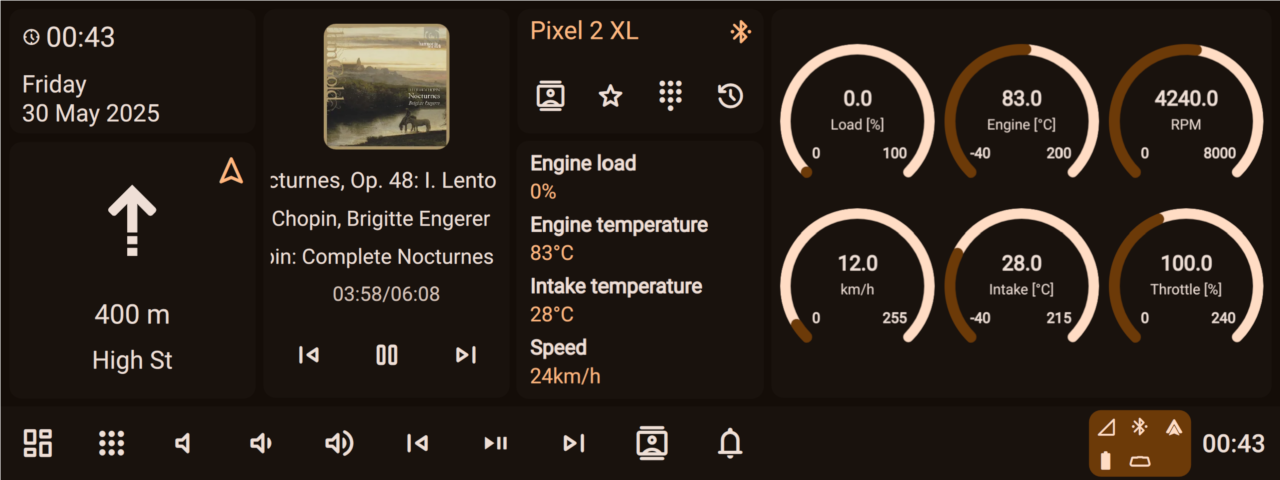
Dashboards for arranging and displaying widgets
Fully customizable main menu
Shortcuts for frequently used functions
The status bar to provide quick access to important system information
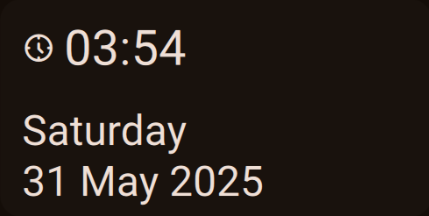
Widgets can have different sizes for better layout and organization
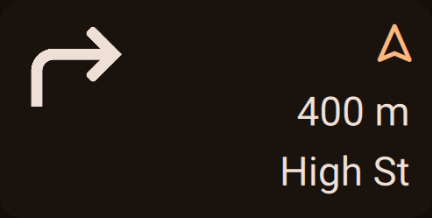
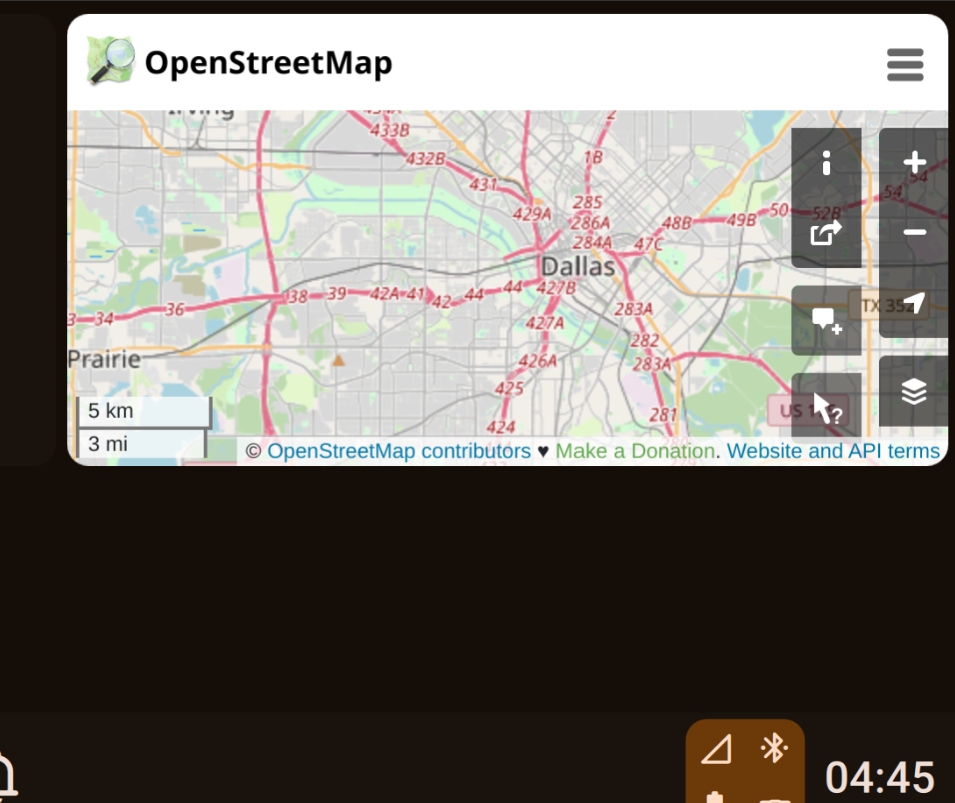
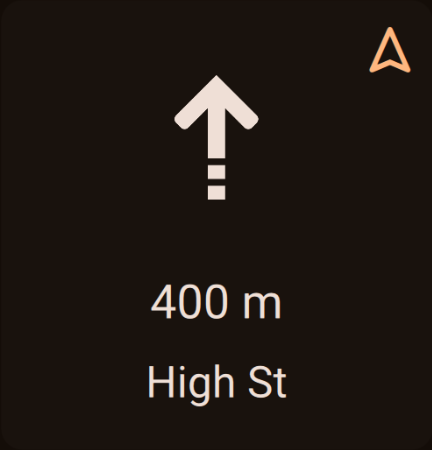
Navigation widget
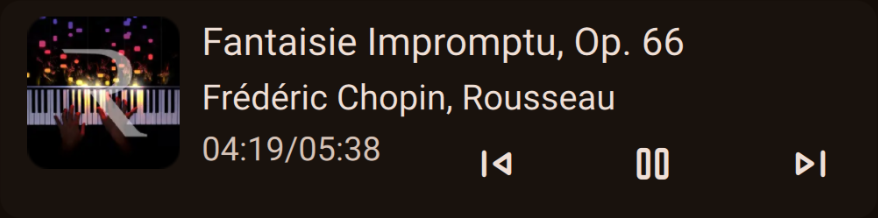
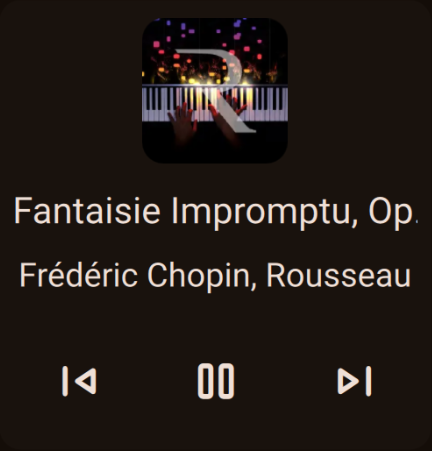
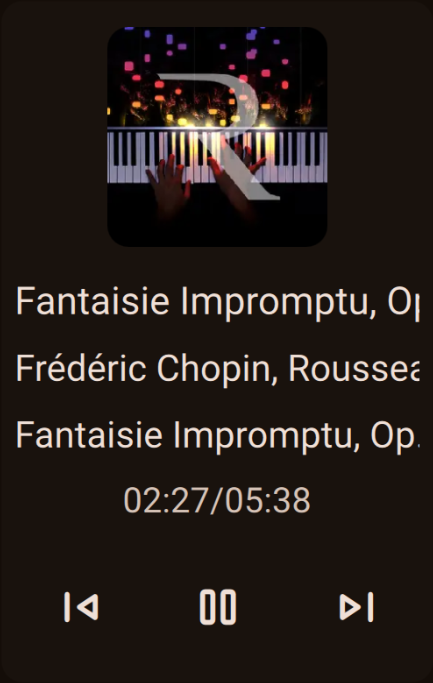
Widget for currently playing media
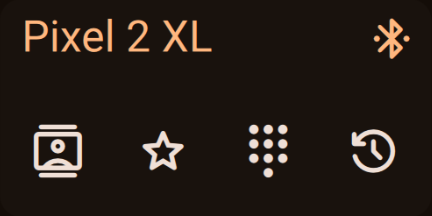
Bluetooth widget
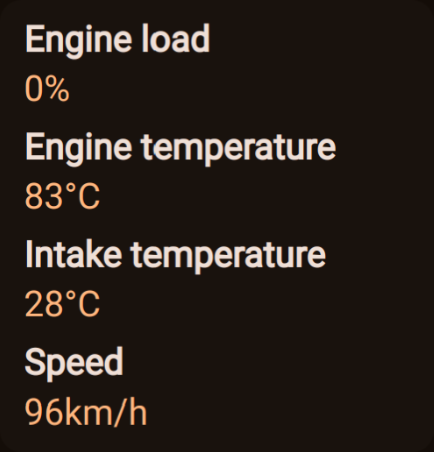
Custom HTML/JavaScript widget for displaying OBD-II data
Custom HTML/JavaScript widget for displaying OBD-II data
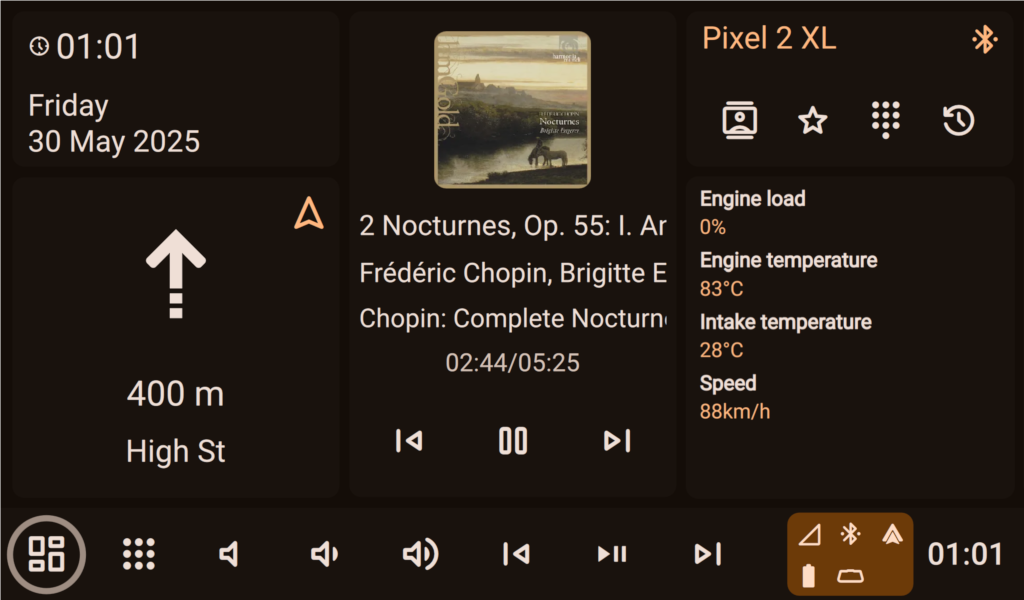
Hudiy supports various screen resolutions
The interface can be controlled using both touch and key events

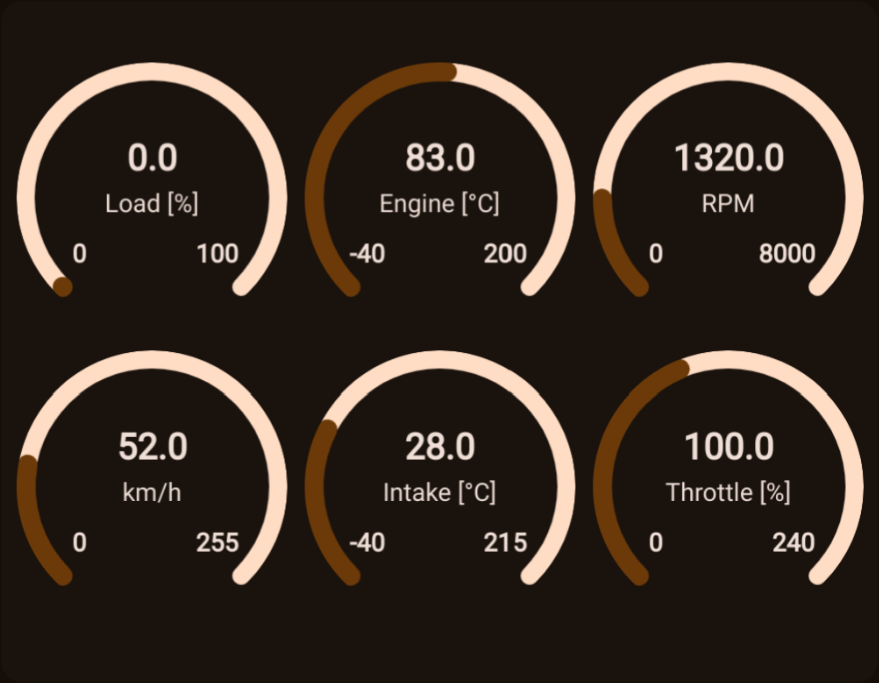
Custom HTML/JavaScript widgets for displaying OBD-II data

Custom HTML/JavaScript widgets for displaying OBD-II data

Custom HTML/JavaScript widgets for displaying OBD-II data

Custom HTML/JavaScript widgets for displaying OBD-II data

AndroidAuto/CarPlay and native UI can be displayed on separated screens
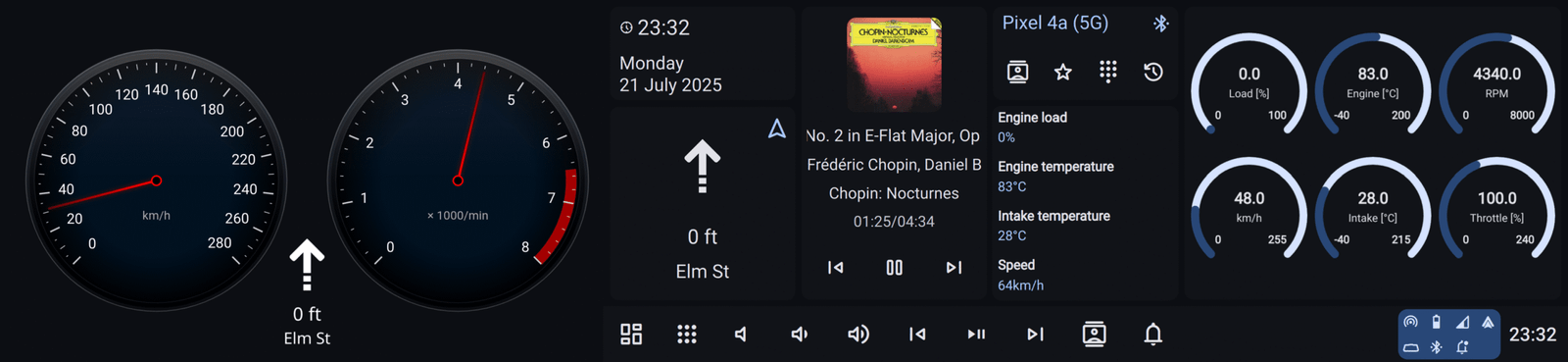
Overlays let you position elements anywhere on the screen with full flexibility.
Dark and light themes with
Material 3 Design defines two themes: dark and light.
Both can have a custom source color and contrast level.
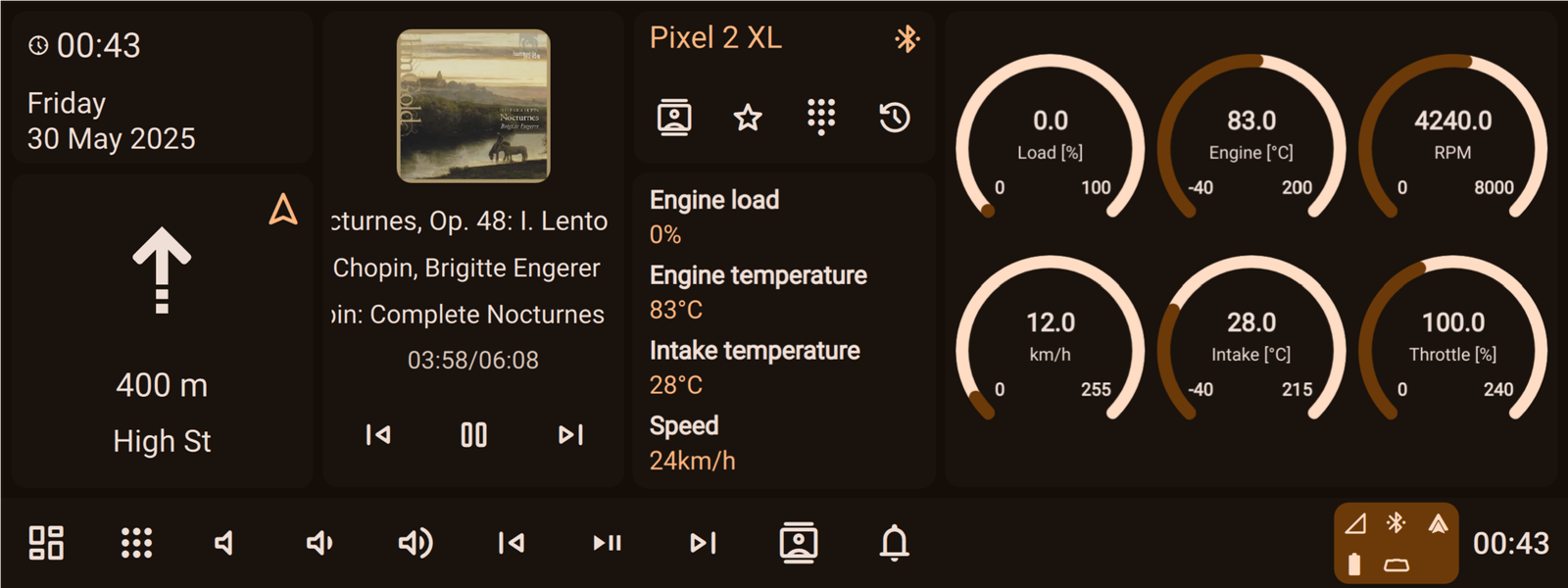
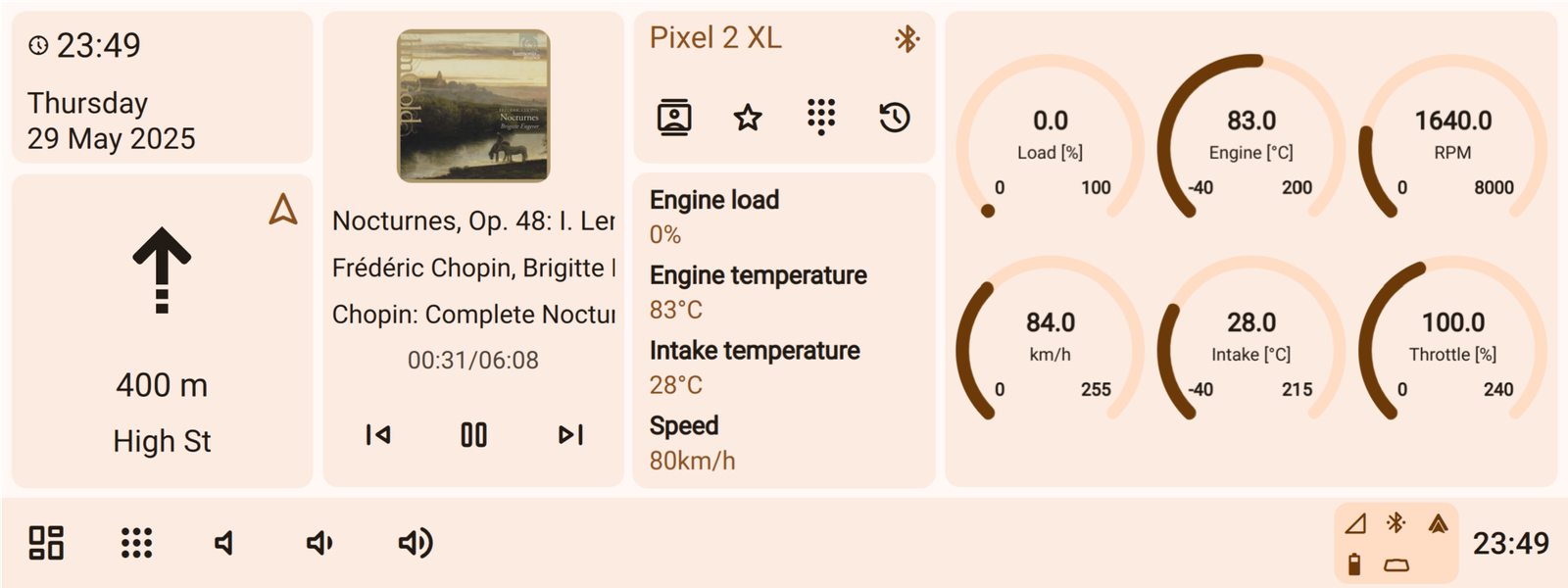
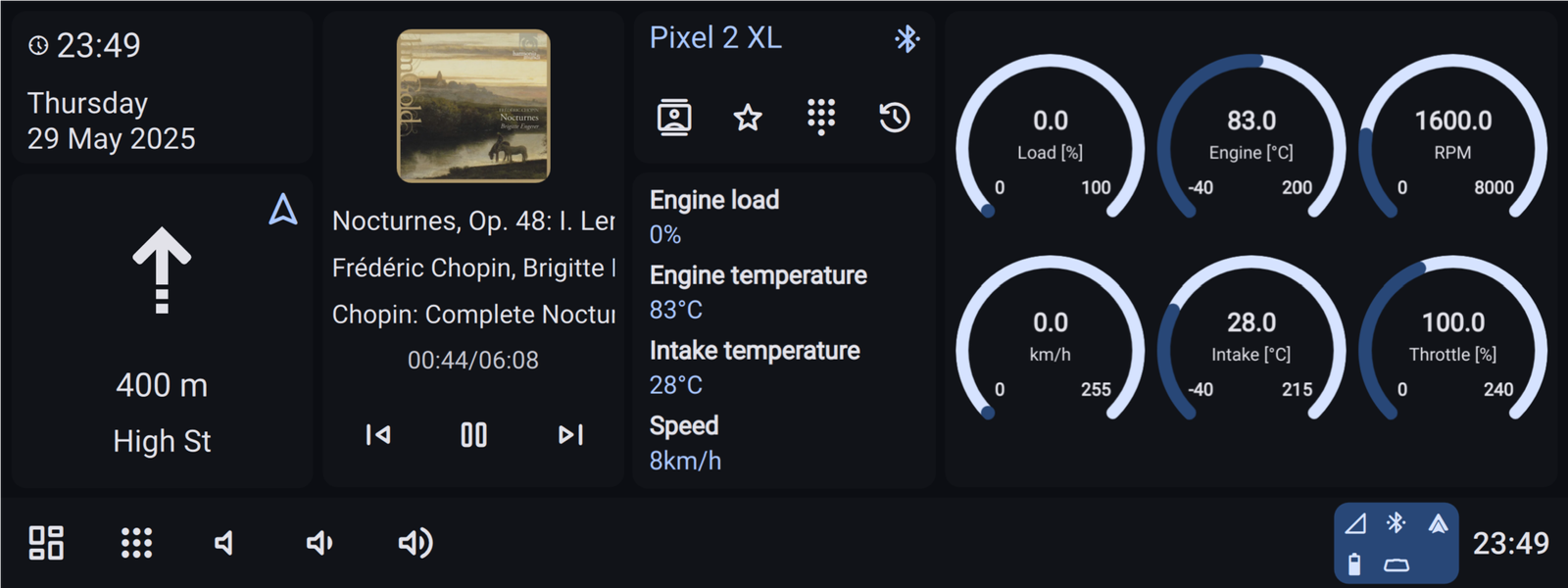
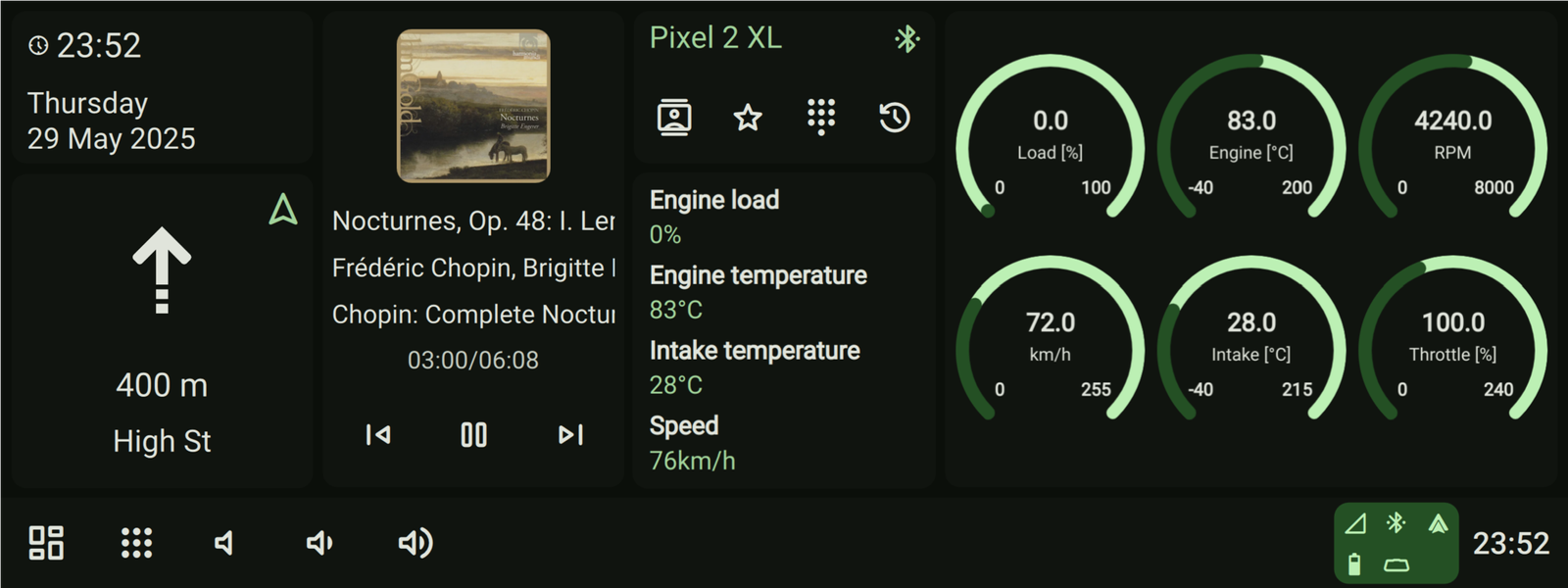
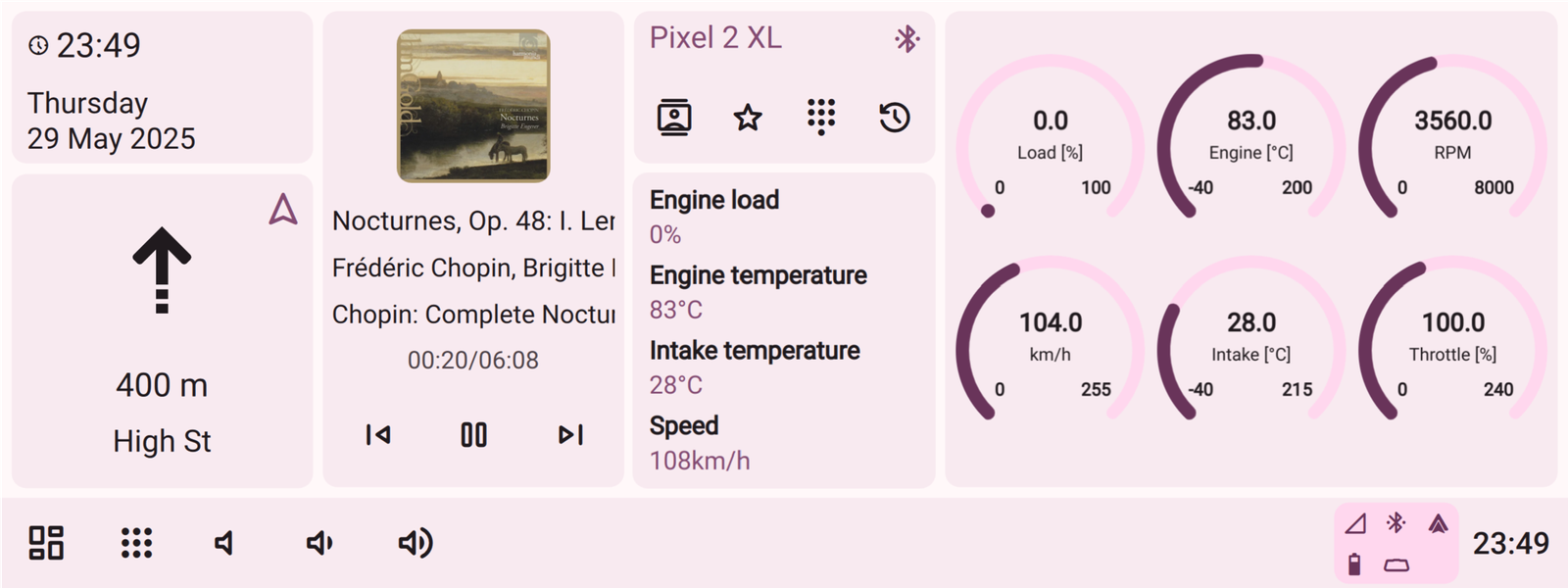
Using HTML/JavaScript you can create your own UI elements like widgets, overlays and applications.
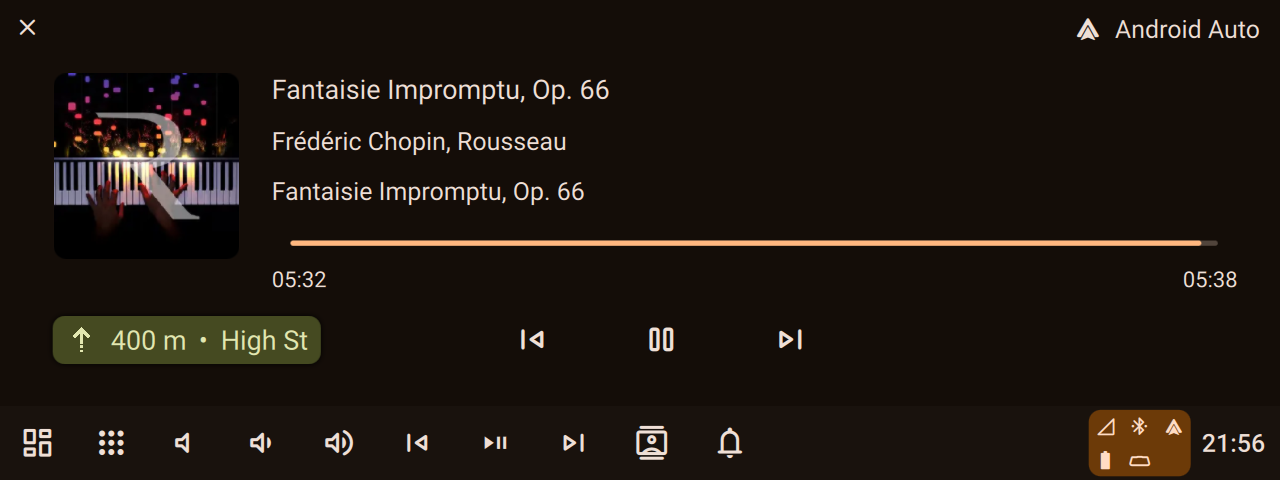
Overlays are displayed above all other content to provide data display and quick-access controls
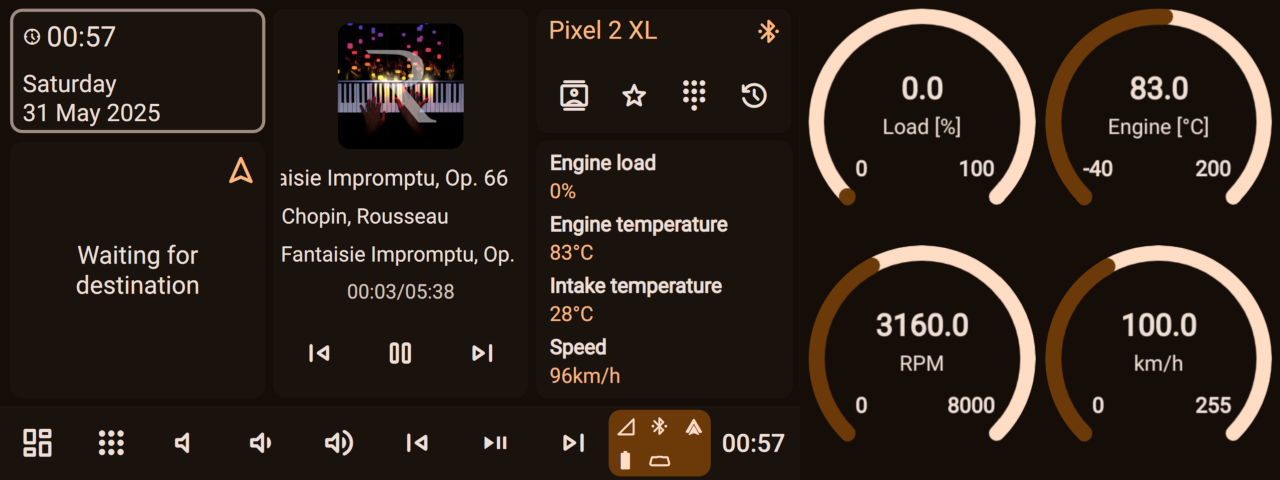
Overlays can be used to create split-screen layouts
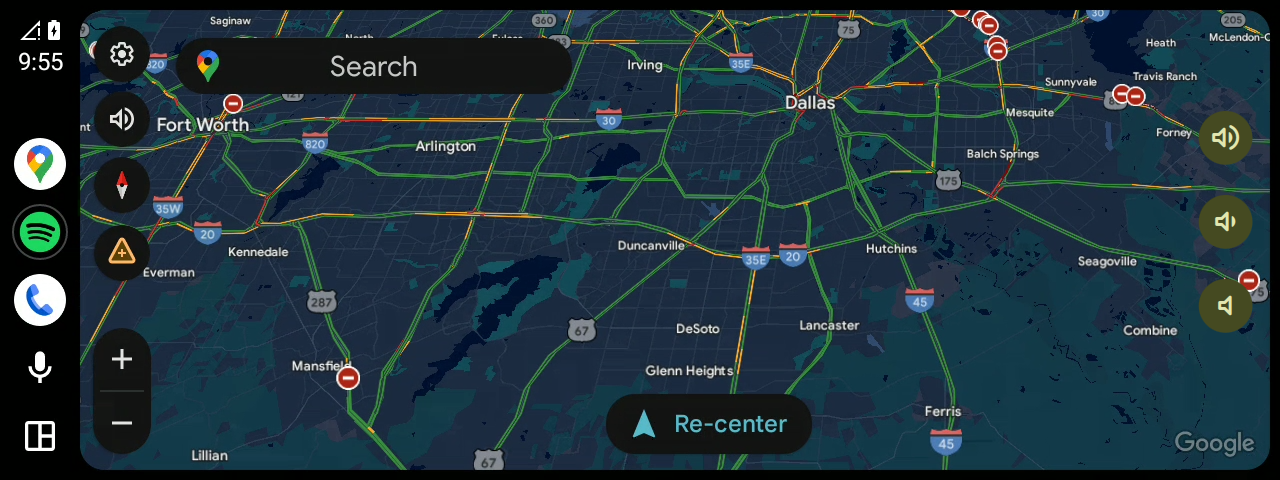
Overlays are displayed above all other content to provide data display and quick-access controls
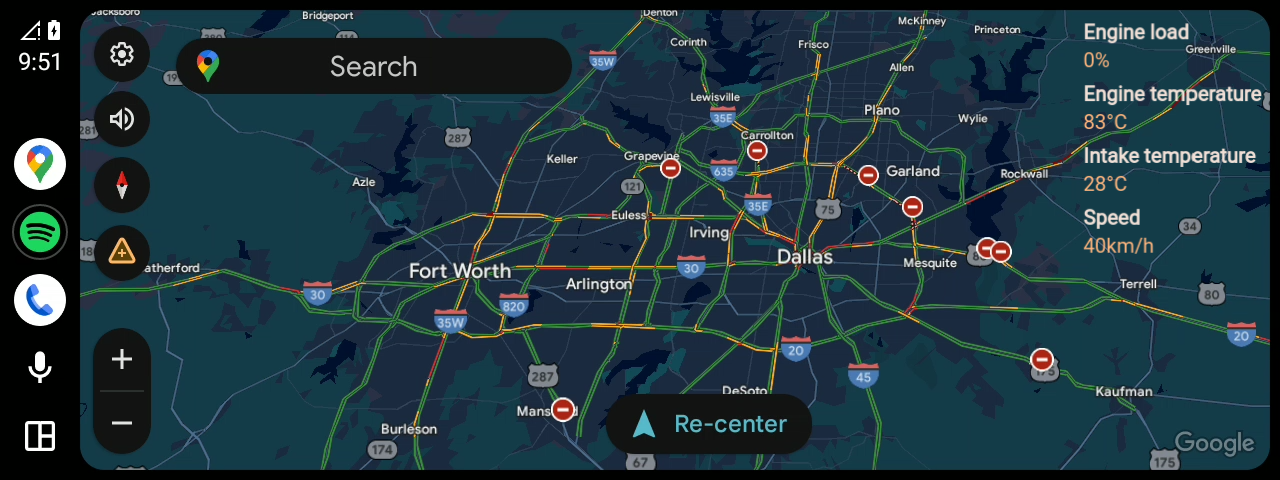
Overlays are displayed above all other content to provide data display and quick-access controls
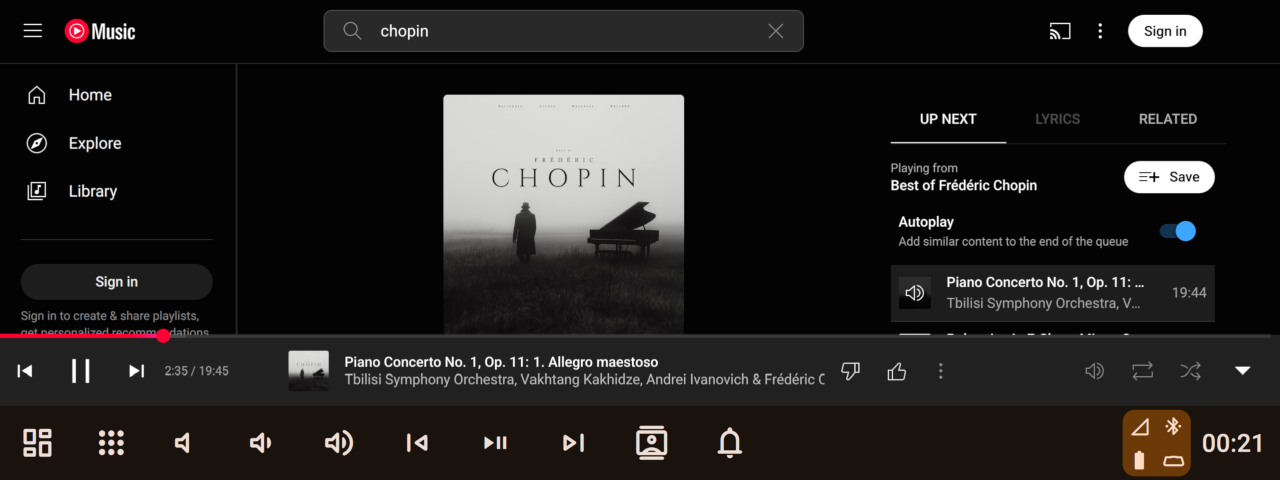
You can create your own applications in HTML/JavaScript and integrate them with Hudiy
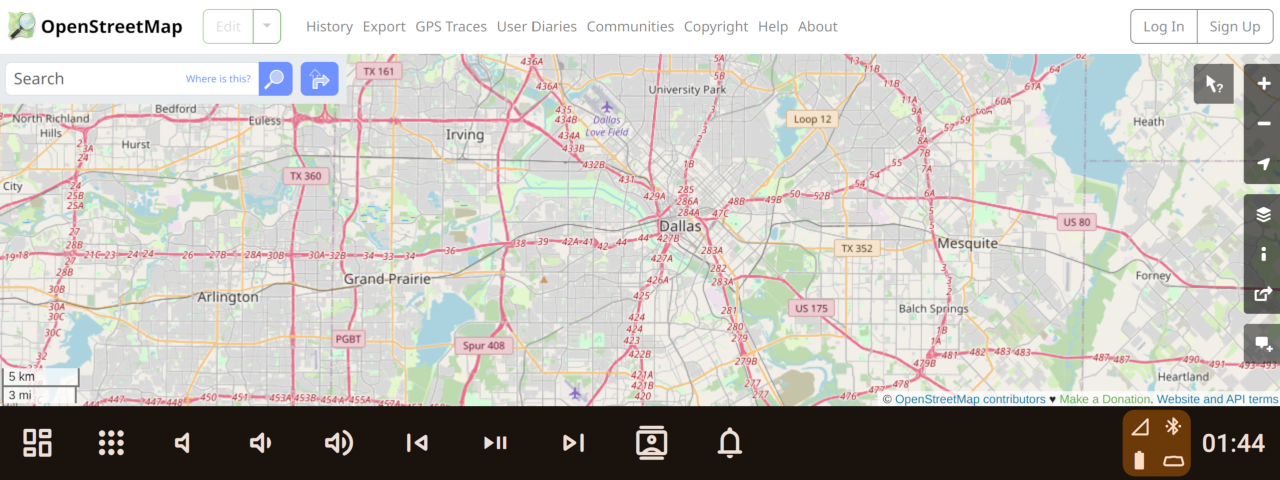
You can create your own applications in HTML/JavaScript and integrate them with Hudiy
Hudiy includes a set of built-in widgets, but you can also create your own
Fully customizable
Arrange menu items your way — freely organize and group to match your preferences.
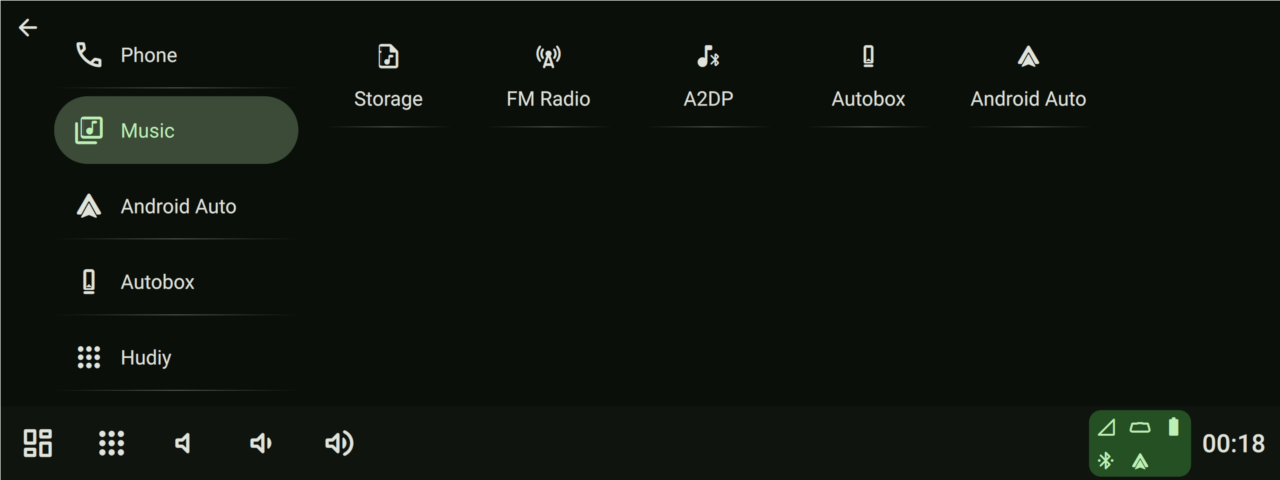
Items in the menu can be organized into categories
Menu items are fully customizable
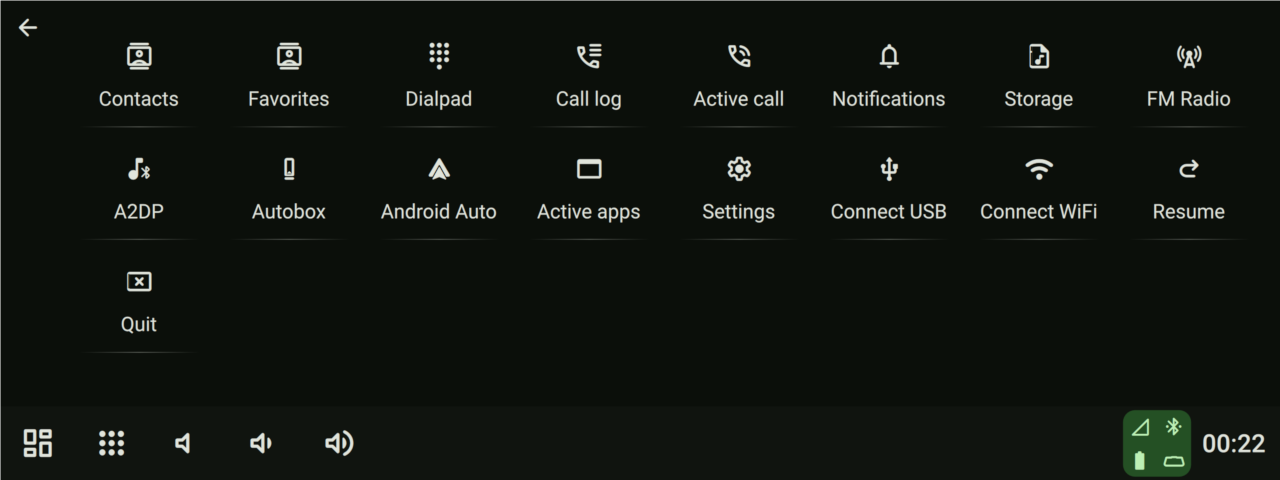
Menu items are fully customizable
Hudiy detects the speaker setup based on the system configuration and provides controls for balance, fade, and subwoofer levels.
The equalizer features 15 adjustable frequency bands, allowing precise control over the audio spectrum.
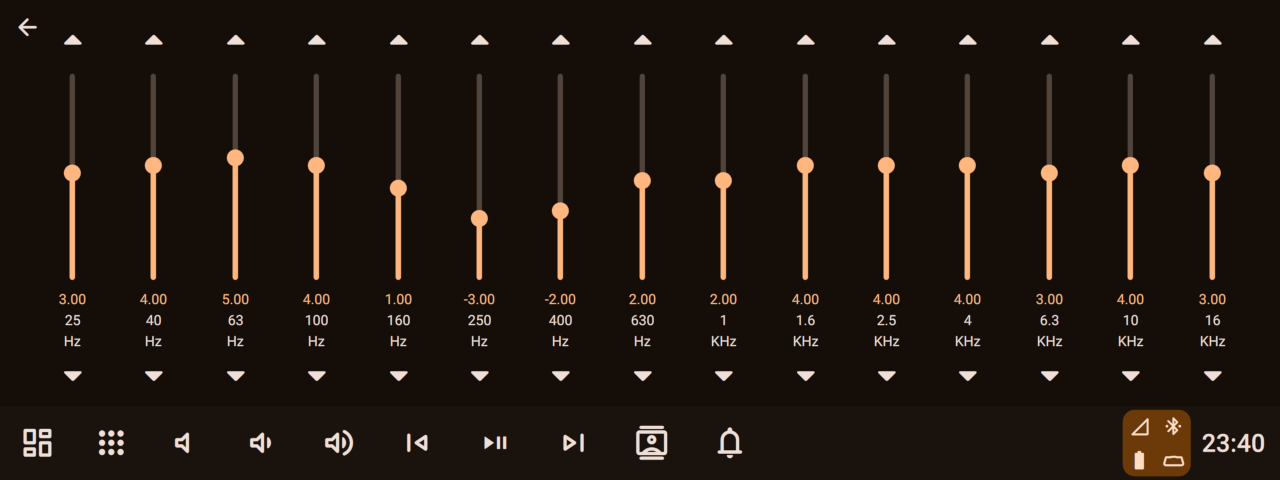
15-bands graphical equalizer
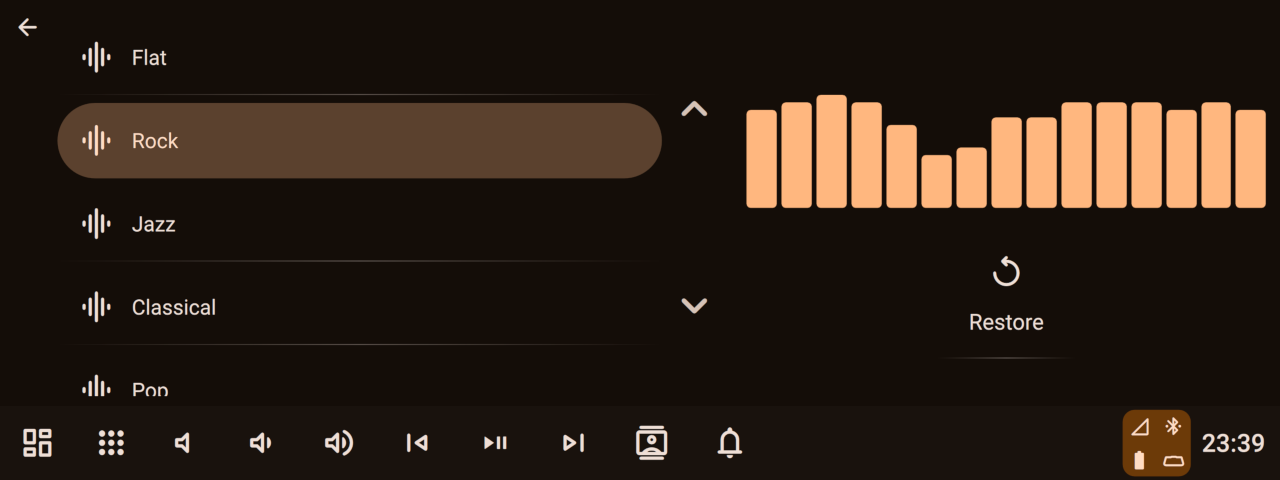
Equalizer settings can be saved as presets for quick access and reuse
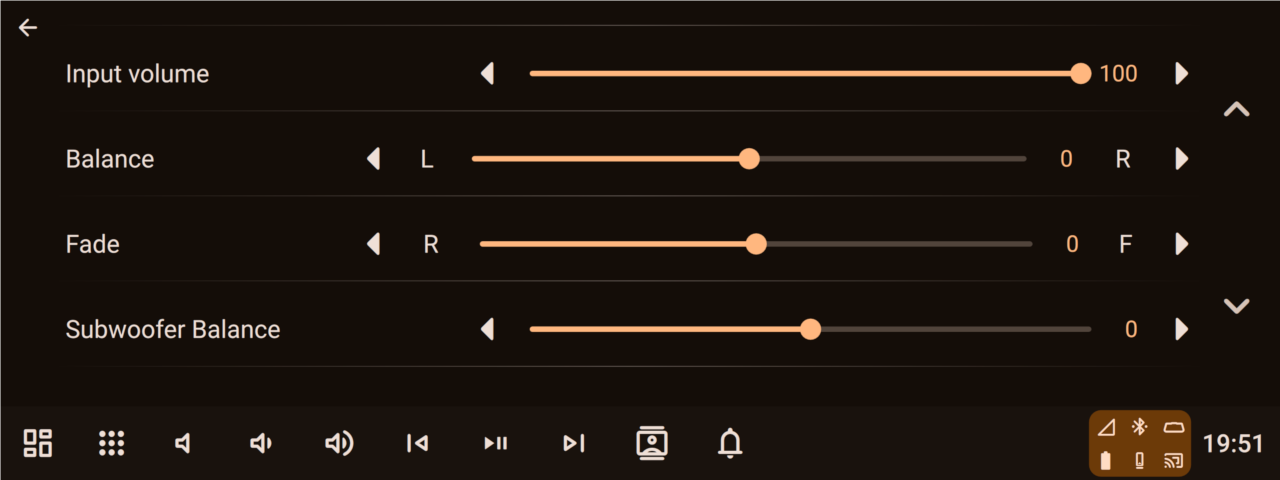
Balance, fade, and subwoofer levels can be adjusted for better sound
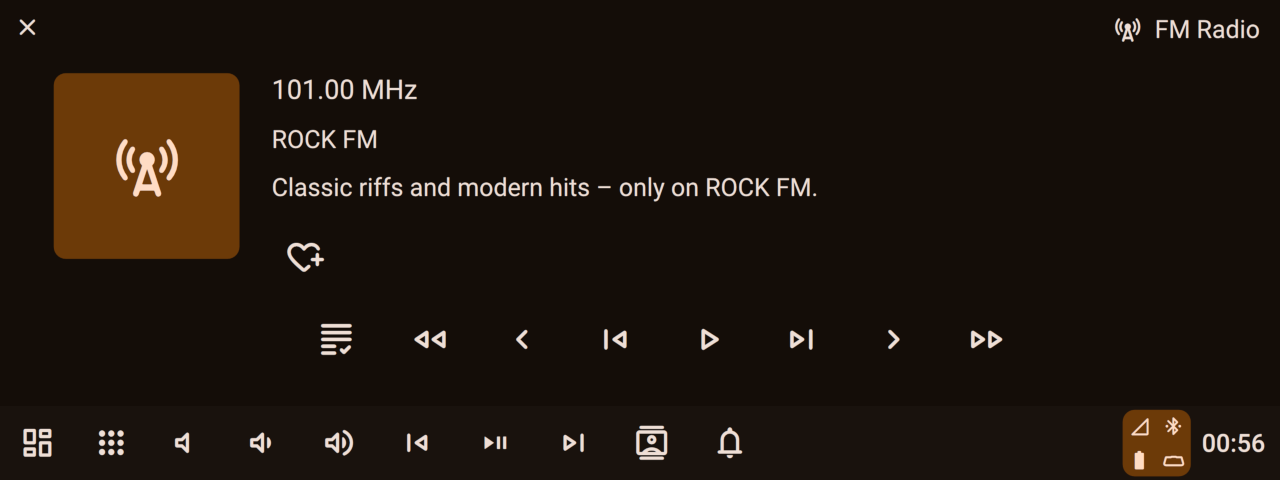
Play audio from various sources like FM Radio, Bluetooth, local files, Android Auto or CarPlay
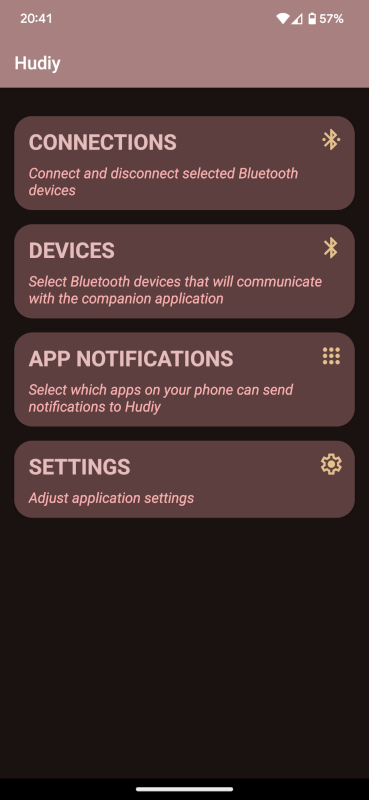
Display notifications from selected apps directly on the Hudiy screen
Synchronize time with your phone if you don’t have an RTC connected
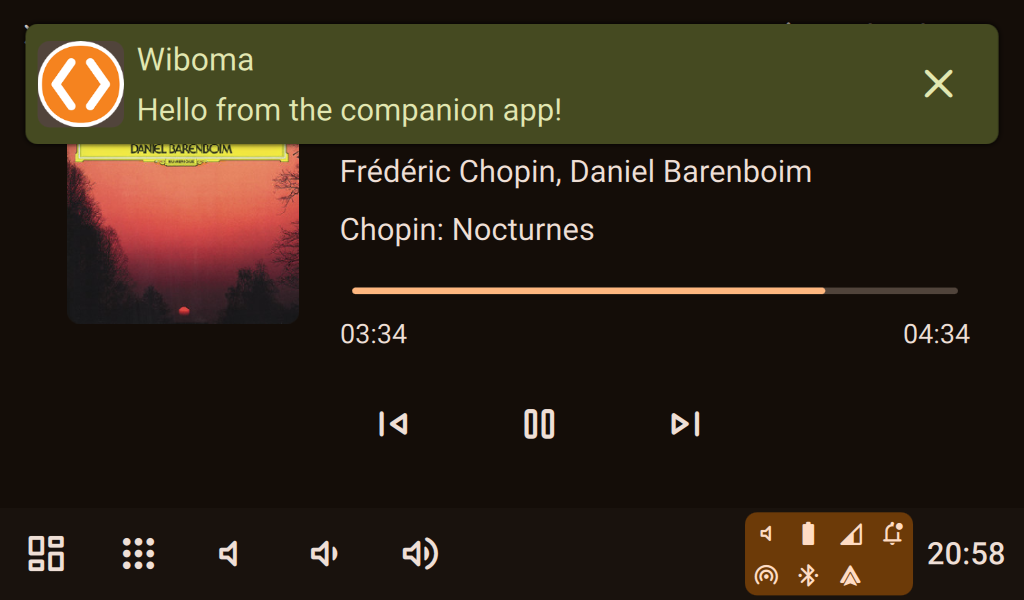
Display notifications from selected apps directly on the Hudiy screen
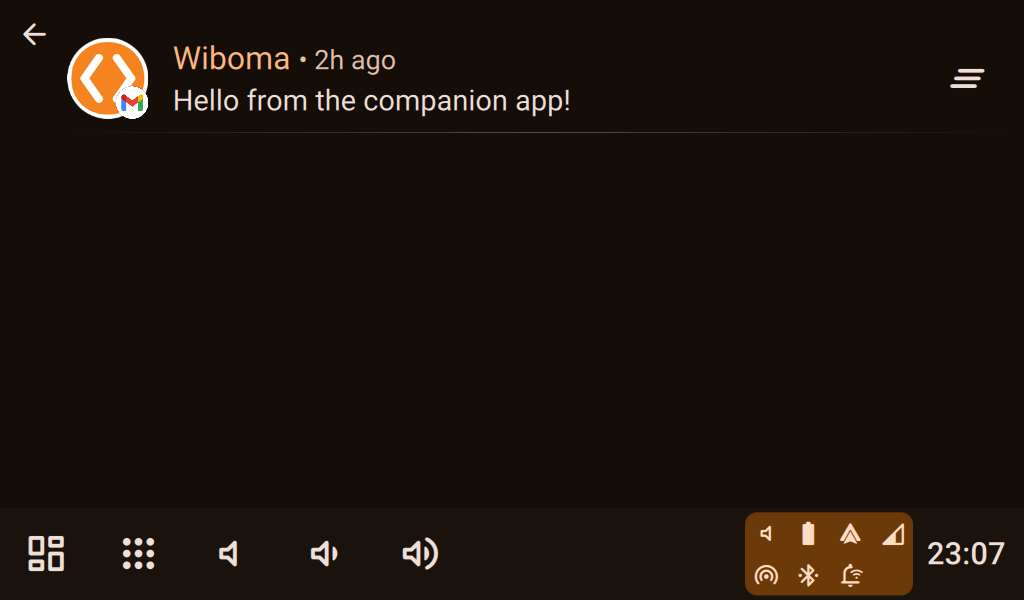
Display notifications from selected apps directly on the Hudiy screen
For even deeper integration, Hudiy exposes an
API is exposed over TCP and WebSocket, allowing external systems to retrieve data, perform actions, and integrate with application features.